Transferring Files
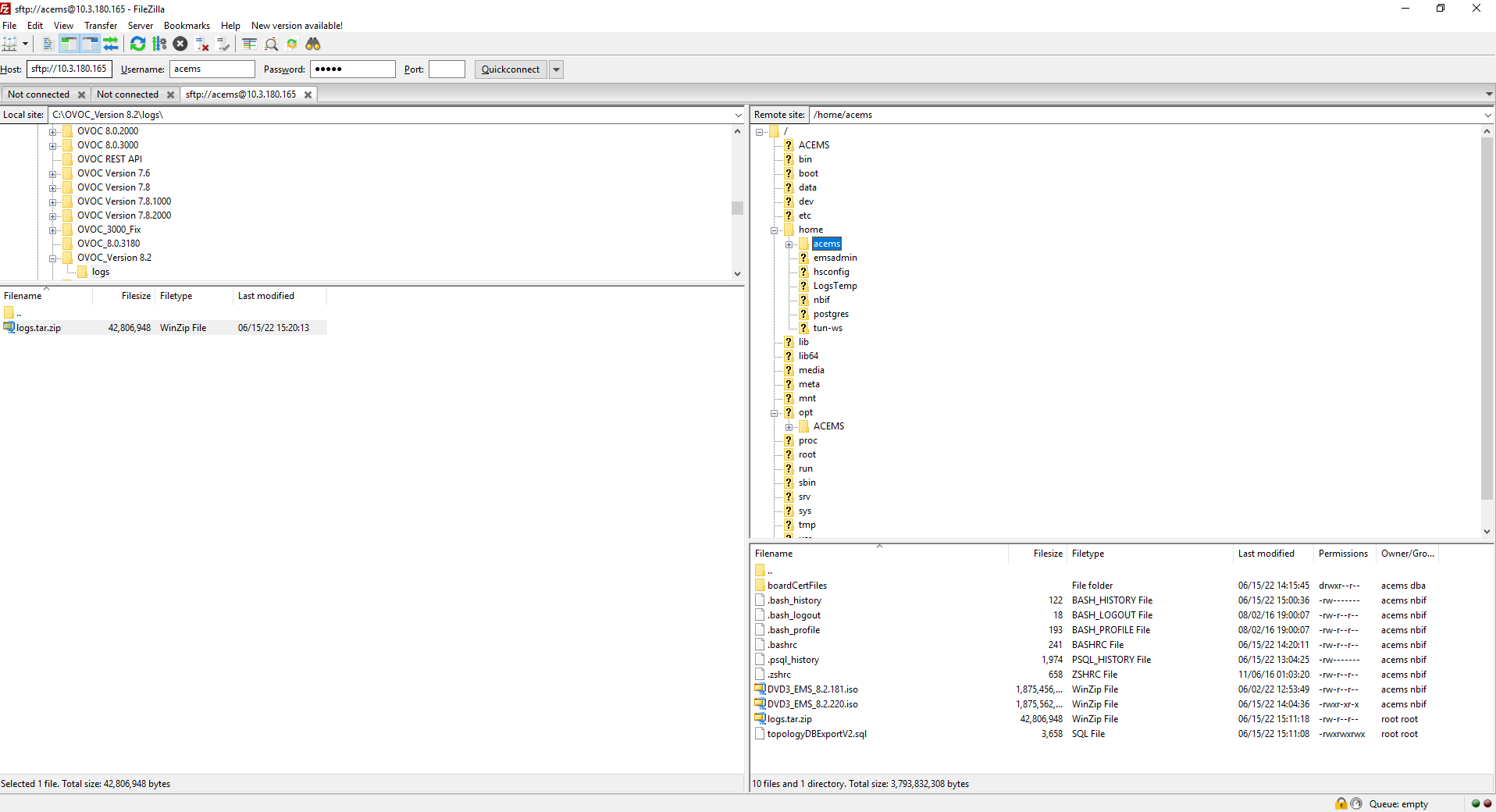
This appendix describes how to transfer files to and from the OVOC server using any SFTP/SCP file transfer application.
FTP by default is disabled on the OVOC server.
| ➢ | To transfer files to and from the OVOC server: |
| 1. | Open your SFTP/SCP application, such as WinSCP or FileZilla. |
| 2. | Login with the acems/acems credential (all files transferred to the OVOC server host machine are then by default saved to /home/acems directory). |
| 3. | Copy the relevant file(s) from your PC to the host machine (or vice-versa). For example, using the FileZilla program, drag the logs.tar file from the /home/acems directory on the OVOC server host machine pane to your PC directory pane. |
FileZilla